
Your ERP integration is Phase 2

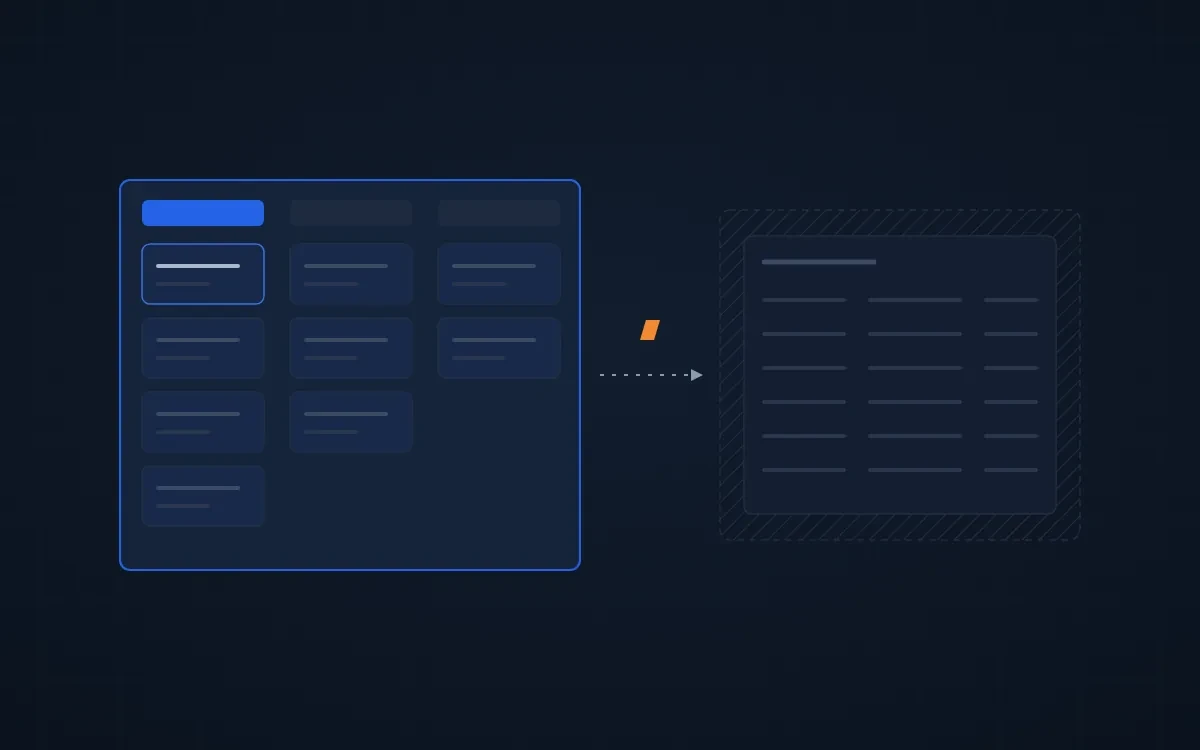
Most distributors who call us about an ERP integration are asking for the right thing in the wrong order. The integration matters. It just isn't first.
When to integrate HubSpot with your ERP
Integrate HubSpot with your ERP once three things are true: your reps already work in HubSpot every day, you aren't replacing the ERP within the year, and you know you own the ERP's API. Before that, the integration moves data nobody uses. That's why we call it Phase 2.
Here's what we check before we scope one, and why.
Fix the sales process before you connect the ERP
An integration moves data. If reps don't work in HubSpot, it moves data nobody looks at. The usual failure looks like this: the ERP sync gets built, the dashboard lights up, and six months later reps are still quoting from the ERP and logging nothing.
So the first question isn't which fields to sync. It's whether your reps will open HubSpot on a Tuesday morning. Lead stages, a pipeline with real exit criteria, and a record that shows what reps need on one screen come first. The integration is what makes that system worth trusting.
Don't integrate the ERP you're about to replace
If you're switching ERPs within the year, a full integration with the current one gets thrown away. Set up HubSpot now and connect it once to the new system. What to do with HubSpot when you're replacing your ERP →
Check who owns the ERP's API before anyone quotes
Some ERPs sell API access separately, and a two-way integration needs it. If you don't own the API, the only honest option is a one-way sync from scheduled file exports. That's still useful. It's a different project and a different price, and it's better to know before the scope is written than after.
Why "real-time, two-way, every field" breaks an ERP sync
It sounds like the safest request. It's the one most likely to break.
Many ERPs answer questions well but don't announce changes or deletions. A sync that assumes they do will drift. What holds up:
- Every field gets one owning system. HubSpot owns the pipeline. The ERP owns the invoice, because the invoice is the legal record. Changes after the sale flow back from the ERP, not forward from HubSpot.
- Decide who creates each record. Can a rep create a customer from HubSpot, or only from the ERP? Settle that before you decide the direction of each field.
- Poll on a schedule and reconcile deletions. A regular check that compares both systems catches what the ERP never announced.
How we run a HubSpot ERP integration
The shape we follow comes from the integrations we've shipped on Epicor Eclipse:
- Week one: decide which system owns each object and each field, confirm the lead to quote to order to invoice path, and write down what "working" means in plain English.
- Running on real data by week four. Raw, syncing, not yet relied on. You see it early, not at a big reveal.
- Clean up, then run both systems side by side before anyone depends on HubSpot for orders.
- Train by role. Reps learn how to work deals safely, managers how to check the data, admins what not to change.
One more rule we added the hard way: when we change the middleware under a live sync, we compare every mapped field old against new, and test the write-back direction with real records before cutting over.
Where to start
If your team doesn't live in HubSpot yet, start there. If it does, and the question is the ERP, start with the free 30-minute review. We'll tell you whether you're ready for the integration, and if you're not, what comes first.
Related: ERP and CRM integration for distributors → · Why your HubSpot revenue doesn't match your ERP →
FAQ
When should I integrate HubSpot with my ERP?
After the sales process works. Fix lead stages, a pipeline with exit criteria, and a record reps actually use first. An integration only moves data. If reps don't work in HubSpot, the synced data has no audience. Integrate once the system is in daily use.
Should my ERP and HubSpot sync in real time, both ways?
Usually not on every field. Give each field one owning system, sync on a schedule, and reconcile deletions. Many ERPs don't announce changes or deletions through their API, so a sync that assumes they do drifts. One owner per field keeps it stable.
Do I need to own my ERP's API to integrate it with HubSpot?
For a two-way integration, yes. Some ERPs sell API access separately. Without it, the realistic option is a one-way sync from scheduled file exports, which still puts order history in front of reps. Check API access with your ERP vendor before anyone writes a scope.