
Replacing your ERP? What to do with HubSpot first

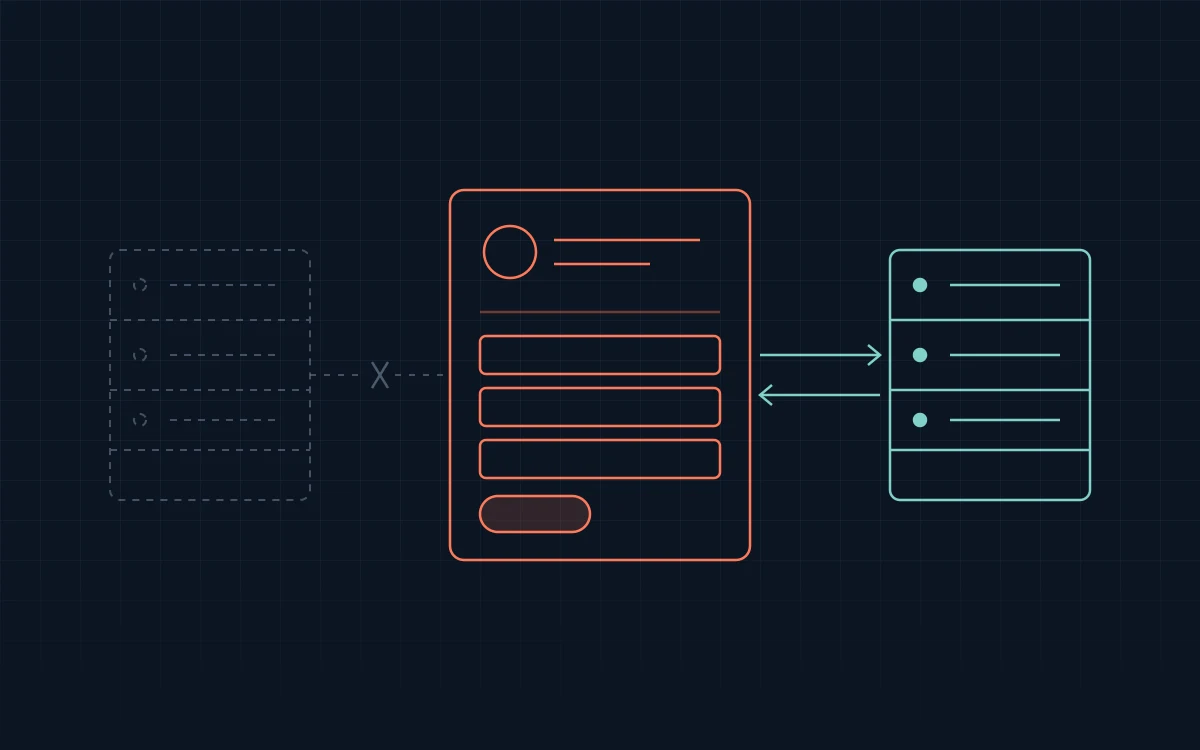
If you’re replacing your ERP in the next year, don’t build a full integration with the one you’re leaving. Set up your sales process in HubSpot now, bring your old CRM data across, and connect HubSpot to the new ERP once it’s live.
An ERP integration is built around the ERP. Its customers, order stages, pricing rules and field names decide what lands in HubSpot and what reps can send back. Change the ERP and most of that work starts over. We’ve done that rebuild: Cooney Brothers moved from Epicor Eclipse to Agility in 2026, and we rebuilt their HubSpot sync against the new ERP. It went live on August 17, 2026.
Why integrating the old ERP is usually wasted
A two-way sync takes weeks to build and test. At Fairbank, Eclipse to HubSpot went from kickoff to launch in about 8 weeks. If the old ERP has a few months left, reps get a short window of use before the rebuild starts.
The fee is the smaller cost. Every field gets a rule: ERP-locked, one-way or two-way. Deal stages mirror the ERP’s order stages. Deleted records need their own handling. None of that moves cleanly to an ERP with different objects and a different API.
What to do with HubSpot now
- Build the sales process. Pipelines, lead stages, routing and follow-up don’t depend on the ERP. They decide whether reps use HubSpot at all, so they come first anyway. HubSpot sales process setup →
- Bring your old CRM data across. Contacts, companies and open opportunities that never reached the ERP are worth keeping. Years of notes in a CRM nobody used usually aren’t. HubSpot migration →
- Write down what reps need from the ERP. Order history, pricing, stock, placing an order. That list becomes the scope of the integration later.
- Decide whether reps can wait. If the new ERP is close, they can. If it’s far off and reps are blind without order history, a small one-way feed of a few figures, such as 12-month sales by customer, can bridge the gap until the real integration.
Pick the new ERP with HubSpot in mind
While you compare ERPs, ask each vendor four questions:
- Is API access included in the licence, or sold separately?
- Does it run in the cloud or on your own server? Cloud-only integration tools can’t reach an ERP behind your firewall.
- What happens to a record when it’s deleted?
- Can orders be created through the API, or only read?
The answers decide what the integration costs and how long it takes. Which ERP CRM integration fits a distributor? →
Already integrated and switching anyway?
Expect a rebuild of the sync, not of HubSpot. Cooney Brothers had an Eclipse sync we built in early 2026, in about 2 months, over the holidays. When they moved to Agility, the sync was rebuilt against the new ERP and HubSpot stayed their CRM.
Scope the new sync from what reps need to see and do, not from what the old one did. We set a fixed price and timeline once we’ve confirmed access to the new ERP. HubSpot ERP integration →
FAQ
Should I integrate HubSpot with my ERP if we’re replacing it soon?
Usually not. If the new ERP is less than a year away, a full integration with the old one gets rebuilt almost as soon as it’s finished. Set up your HubSpot sales process now, move your CRM data in, and connect HubSpot to the new ERP once it’s live.
What happens to our HubSpot integration when we switch ERPs?
The sync gets rebuilt, and HubSpot stays your CRM. When Cooney Brothers moved from Epicor Eclipse to Agility in 2026, we rebuilt their sync against the new ERP, and it went live in August. We scope the new sync from what reps need and set a fixed price once we’ve confirmed access to the new ERP.
Which ERPs integrate well with HubSpot?
Any ERP with a usable API can be connected. We’ve shipped Epicor Eclipse twice and Agility once. Before you choose, check whether API access is included in the licence, whether the ERP runs in the cloud or on your own server, and whether orders can be created through the API, not only read.
Replacing your ERP? Tell us which ones you’re considering and what your reps need to see, and we’ll tell you what to set up in HubSpot now and how each ERP would connect later. Book a free 30-minute review →