
ERP and CRM integration: The distributor’s guide

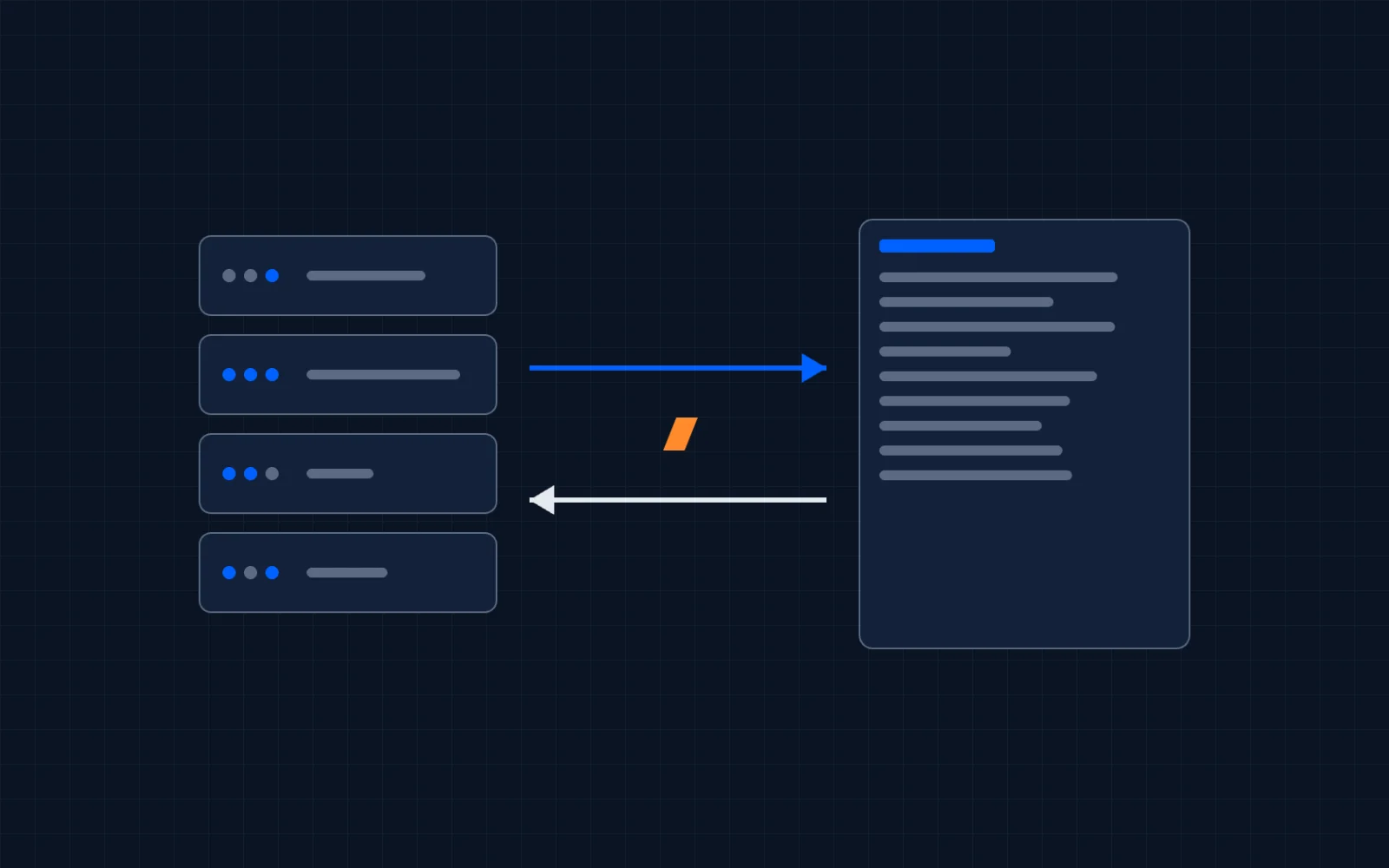
Your ERP runs the business: inventory, purchasing, orders, pricing, financials. Your CRM runs the revenue team: pipeline, outreach, marketing, reporting. Most distributors end up with both, and almost none of them connect the two well.
This guide covers what an ERP and CRM integration actually involves, what to sync and in which direction, the three ways to build one, and the failure modes that turn a six-week project into a six-month one. It is written for the person deciding whether to do this, not for the person selling it.
What ERP and CRM integration actually means
Stripped of vendor language, integrating ERP and CRM means one thing: records that exist in one system show up in the other, correctly, without a human re-typing them.
In practice that comes down to a short list of objects:
- Customers and contacts. Your ERP knows every account that has ever ordered. Your CRM should too.
- Orders and invoices. The single highest-value sync for a sales team. A rep who can see order history, frequency, and gaps inside the CRM stops asking "can you look this up for me" and starts spotting the account that quietly went dark.
- Products and pricing. Needed when quotes or deals in the CRM have to reflect real catalog data.
That is the whole game. Everything else, the middleware, the APIs, the sync engines, exists to move those objects reliably.
Why this hits distributors harder than most
A software company can live in its CRM alone. A distributor cannot. The operational truth of a distribution business, what was ordered, what it cost, what is on the shelf, lives in the ERP, and ERPs built for distribution (Epicor Eclipse, Prophet 21, Agility, and their peers) have decades of it.
Meanwhile the revenue team works somewhere else. Outside reps will not live in an ERP built for counter sales and purchasing. Marketing does not exist in an ERP at all. So the CRM gets adopted, usually HubSpot in the mid-market, and now the company has two systems of record that do not talk.
The symptoms are always the same: reps quoting from memory, spreadsheet exports emailed around on Mondays, marketing sending campaigns to accounts that stopped buying a year ago, and leadership dashboards that disagree with the ERP because they were built from a stale import.
None of that is a people problem. It is a plumbing problem.
One-way or two-way: decide this first
Before talking to any vendor, decide which direction data needs to flow. It is the single biggest driver of cost and complexity.
One-way (ERP to CRM) covers most of what a sales team actually needs: accounts, contacts, order history, and invoices flowing into the CRM on a schedule. The ERP stays the system of record. This is dramatically simpler to build and maintain, and it is where most distributors should start.
Two-way means the CRM also writes back: a new contact created by a rep lands in the ERP, a closed deal becomes an order. Two-way is buildable, we run a two-way Eclipse sync in production, but every object you sync in both directions doubles the conflict cases someone has to design for. Add it only where a workflow genuinely requires it, not because a diagram looks better with two arrows.
Your three options for building it
1. Packaged connectors. Off-the-shelf sync apps exist for the common ERP and CRM pairs, typically on a yearly subscription, roughly $4-15k a year depending on the product and tier, plus a setup fee. Fastest start, least flexible finish: a fixed object list synced the vendor's way. If your workflow fits their template, a connector is a legitimate choice. If you need your own field logic, custom objects, or deletion handling, you will hit the template's walls.
2. iPaaS middleware. Platforms like Celigo sit between the systems. More flexible than a connector, but you pay platform fees on top of implementation, often $15k or more per year before anyone configures anything, and the integration logic lives inside a vendor's black box.
3. A custom build on open tooling. An integration built on open-source workflow tooling such as n8n syncs your objects, your way. Self-hosted, the tooling itself carries no license fee and runs on your own server, which also solves the on-premise problem covered below. You avoid the perpetual platform toll a connector or iPaaS charges, but you still pay for the build, and, for a live two-way sync or anything business-critical, for someone to keep it running afterward. The trade-off: you need someone who genuinely knows both the ERP side and the CRM side.
There is no universally right answer. Small object list, standard workflow, cloud ERP: a connector may be fine. Complex pricing, an on-prem server, or a two-way sync: the template approaches get expensive or impossible fast.
The on-premise question
Plenty of established distributors run their ERP on a server in the building or in a private data center, behind a firewall or VPN. Cloud-only integration tools cannot reach it, and this is where many integration projects quietly die in scoping.
It is a solved problem, but only if the solution runs inside your network. A self-hosted integration platform deployed next to the ERP talks to the ERP locally and to the CRM over the internet, and nothing about your security posture has to change. Ask any vendor how they handle on-premise before you get attached to their demo.
The failure modes nobody scopes for
Most integrations do not fail at go-live. They rot. Three patterns account for most of it:
Deletions. Most integrations sync creates and updates and silently ignore deletions. Records removed in the ERP live on in the CRM as ghost data, polluting lists and reports until reps stop trusting the system. Ask any vendor directly: "what happens when a record is deleted?" A hand-wavy answer here predicts the whole project.
Field mapping drift. The ERP gets upgraded, a custom field gets renamed, and a sync that ran clean for a year starts writing blanks. Nobody notices until quarter-end reporting looks wrong. The fix is monitoring and alerting designed in from day one, not discovered in month eleven.
No owner after go-live. An integration is not fire-and-forget. Someone has to watch sync errors, handle API changes after ERP upgrades, and audit data quality in the first weeks. If that ownership is not in the scope, it lands on whoever complains loudest.
Five questions to answer before you sign anything
- Which ERP, which version, and where does it run? Cloud or on-premise determines what tooling can reach it. Version determines what the API supports.
- Is API access included in your ERP agreement? Confirm with your vendor before scoping. Licensing API access retroactively mid-project is a bad surprise.
- What syncs, and in which direction? Write the object list down. Be honest about which objects truly need two-way.
- How are deletions handled? See above. This question alone will tell you more about a vendor than their case studies will.
- Who owns it after go-live? Monitoring, error handling, and upgrade support belong in the scope, not the aftermath.
Where we stand
ProfitPad builds ERP to HubSpot integrations for distributors and manufacturers. We've shipped two Epicor Eclipse integrations, Fairbank's (live, two-way) and Cooney Brothers' (since replaced when Cooney moved to Agility), plus a live Agility integration, and for Prophet 21 we run the same open architecture and are transparent that we have not shipped a P21 project yet.
We build on self-hosted open tooling, which is why deletion tracking and on-premise hosting show up in this guide: they are the parts we had to solve in production, not the parts that make good marketing. On our own builds we stabilize after go-live, then own it on a retainer, because, as the failure modes above show, an integration with nobody watching it rots.
If you are a distributor weighing this decision, start with how we work with distributors, or go straight to the ERP-specific pages above. And if a packaged connector genuinely fits your workflow, use it. The right answer depends on your setup, not on whoever wrote the blog post.
FAQ
What does ERP and CRM integration mean?
It means records in one system appear in the other automatically: customers, contacts, orders, invoices, and products, synced on a schedule or in near real time, without manual re-entry. The ERP usually stays the system of record for operational data while the CRM becomes the working surface for the revenue team.
Should an ERP CRM sync be one-way or two-way?
Start with one-way, ERP into CRM. It covers most sales-team needs (order history, account data, invoices) at a fraction of the complexity. Add two-way only for objects where a CRM-side change genuinely needs to land in the ERP, because every two-way object adds conflict cases that must be designed for.
How much does an ERP to HubSpot integration cost?
Packaged connectors typically run anywhere from roughly $4k to $15k per year depending on the product and tier, plus setup fees, indefinitely. iPaaS platforms charge annual platform fees, often $15k or more, before implementation. A custom build on self-hosted tooling avoids that platform license fee entirely, which is the recurring cost you're cutting. A one-way sync is a fixed-fee, one-time build. Two-way syncs and write-back flows, like pushing an order from the CRM back into the ERP, carry an ongoing cost, because a live two-way integration has to be actively monitored and maintained. And every integration needs an owner after go-live: we stabilize a new build, then ongoing support runs on a retainer. We start with a free scoping call, then quote a fixed fee once access to your ERP is confirmed.
Can you integrate an on-premise ERP with a cloud CRM?
Yes. The integration has to run inside your network: a self-hosted platform deployed next to the ERP reaches it locally and talks to the CRM over the internet. Cloud-only integration tools generally cannot reach an ERP behind a firewall or VPN.
Which ERPs does ProfitPad integrate with HubSpot?
Epicor Eclipse (two integrations shipped: Fairbank's, live and two-way, and Cooney Brothers', since replaced when Cooney moved to Agility), Agility (live), and Epicor Prophet 21 on the same open architecture, where we are transparent about not having shipped a P21 project yet. The sync approach, deletion tracking, and on-premise pattern transfer across distribution ERPs with usable APIs.