
Why your HubSpot revenue doesn't match your ERP report

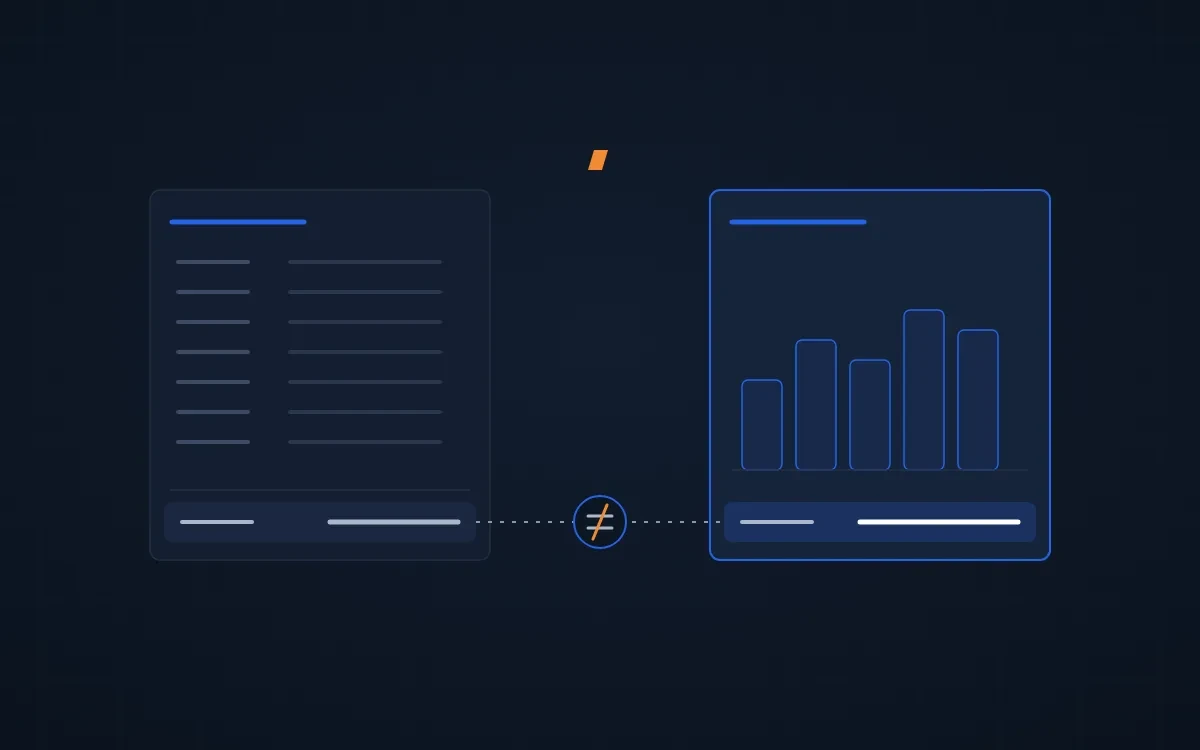
Your HubSpot dashboard says one number. Your ERP says another. Most of the time the sync is fine. The two systems are answering different questions.
Why HubSpot revenue doesn't match your ERP
HubSpot revenue usually doesn't match the ERP because the two reports use different dates, different definitions of revenue, or a different grain. The sync itself is rarely the cause. Check these five things, in this order:
- The date the report filters on
- What "revenue" means to finance and to sales
- Whether the report counts deals or line items
- Fees and freight sitting in the total
- What the sync actually writes
We rebuilt an executive dashboard for an equipment distributor whose HubSpot totals never matched their ERP. Every gap we found came from one of these five causes.
1. The report filters on HubSpot's create date, not the ERP's order date
A HubSpot deal synced from the ERP has two dates that matter. Create date is when the record landed in HubSpot. Order date is when the customer ordered. If your report or saved view filters on create date, a backfill or a late sync moves revenue into the wrong month.
The fix: filter ERP-synced deals on the ERP's order date, and pin that filter on the saved view so nobody falls back to the default.
2. Nobody wrote down what revenue means
"Revenue last month" can mean booked, shipped, or invoiced. Finance usually means invoiced. Sales usually means booked. The ERP's own analytics may quietly leave things out. In our case it excluded orders with a future ship date from bookings, which HubSpot counted.
The fix: write every definition down before you build the dashboard. Booked counts by order date. Billed counts by ship or invoice date. "Invoiced" means the ERP's invoiced status, not a deal stage someone picked. Get finance to sign the list.
3. The report counts the same order twice
A distributor's order often has lines from several product categories. A deal-level category filter counts that deal in every category it touches, so the categories add up to more than the total.
The fix: decide whether the report counts deals or line items, and write the choice on the dashboard. Measure in dollars, not deal count, because one order entered as many lines inflates the count.
4. Fees and freight are in the HubSpot total
Surcharges, fees, and freight ride on orders as line items. The ERP's revenue report usually excludes them. HubSpot doesn't know to.
The fix: keep an exclusion list of non-revenue codes and apply it to every revenue report.
5. Sometimes it is the ERP sync
Once the first four are clean, look at what the sync actually writes. On one order flow, line item totals ran above the ERP's sales total because the sync pulled the order header quantity instead of the shipped quantity. A one-field fix.
The fix: reconcile HubSpot against the ERP's own report for one full cycle before anyone trusts the dashboard. What's left after that is timing, like orders that shipped in one month and invoiced in the next.
How we make HubSpot and ERP revenue match
A definitions sheet signed off by finance. Saved views filtered on the ERP's dates. A dashboard that states its grain. One cycle reconciled against the ERP before go-live.
If your reports still disagree after these five checks, the problem is usually the data model: customers with many locations, line items on the wrong deal, or deals counted twice by the sync. That's an audit, not a report fix.
Already running HubSpot with an ERP sync? Request your free HubSpot audit →
Related: ERP and CRM integration for distributors → · When to integrate HubSpot with your ERP →
FAQ
Why doesn't HubSpot revenue match my ERP?
Usually because the two systems use different dates and definitions. HubSpot reports often filter on create date while the ERP uses order or invoice date. Write down what booked, billed and invoiced mean, filter on the ERP's dates, and reconcile one full cycle before trusting the dashboard.
Should HubSpot or the ERP be the source of truth for revenue?
The ERP, for anything finance reports. The invoice is the legal record. HubSpot is the source of truth for pipeline: what's being quoted, by whom, and what's stalled. Sync the ERP's revenue into HubSpot so reps and owners see it, but define it by the ERP's rules.
Can HubSpot show booked vs billed revenue from an ERP?
Yes, if the sync carries the order date, ship date and invoice status onto the deal. Build booked on order date and billed on ship or invoice date as separate reports. A book-to-bill chart then shows whether orders are turning into invoices at the rate you expect.