
Your Contact Source field is answering two questions

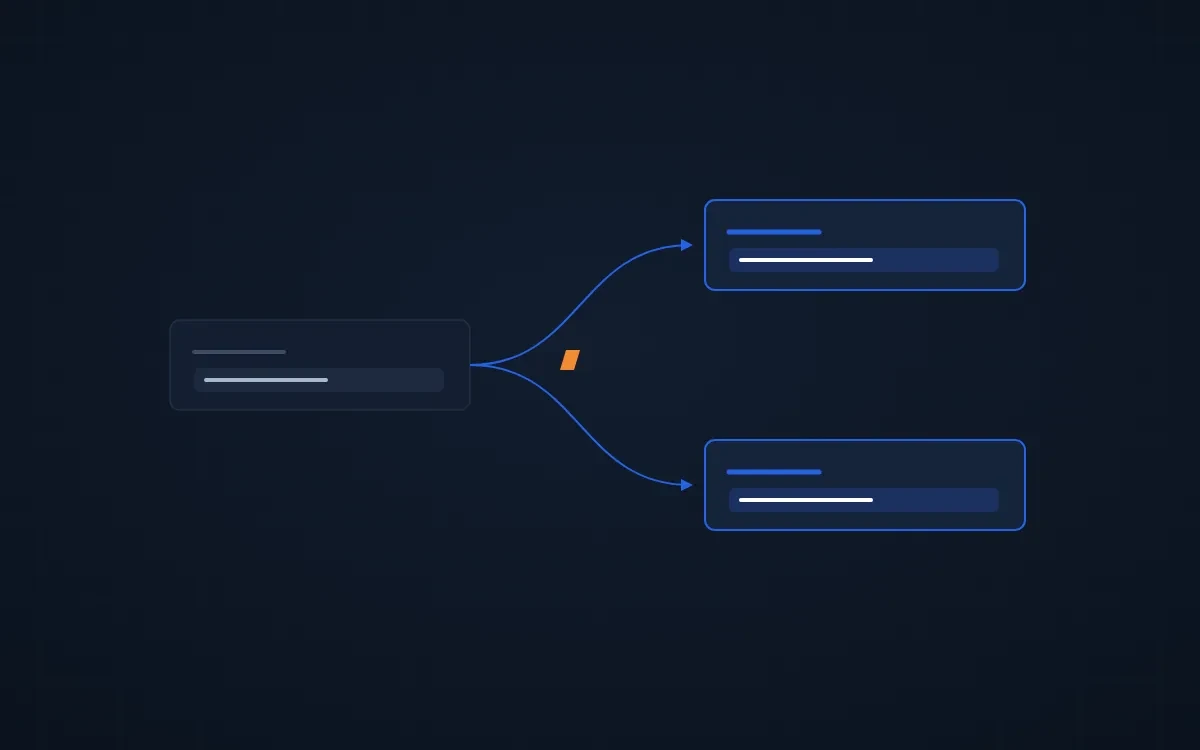
Ask an owner where their best leads come from and you'll usually get a pie chart with a big slice called "Website" or "Other." That chart isn't wrong. It's answering two questions at once.
Why your HubSpot lead source report is unclear
Most portals have one source field doing two jobs. It's supposed to say how the contact found you (a referral, a trade show, Google) and how they got in touch (a demo request, a signup, a phone call). One dropdown can't hold both. So reps pick whichever answer is easier, and the report means nothing. Split the field in two.
Origin: how they found you
Origin is the channel that first put you in front of them: referral, trade show, search, partner, outbound, existing customer. This is the question marketing spend depends on.
Method: how they got in touch
Method is the door they came through: demo request, signup, contact form, inbound call, an email to a rep. This is the question your website and your sales process depend on.
A referral who books a demo on your website is Origin: referral, Method: demo request. With one field, that lead shows up as "Website," and the referral partner gets no credit.
Keep HubSpot's own source fields as they are
- Never overwrite HubSpot's Original Source. It records the first tracked touch. Leave it alone and add your two fields next to it.
- Marketing owns the UTMs. Every form keeps the five UTM fields, so campaign tracking survives.
- Sales owns the offline answer. Leads from phone calls, trade shows and referrals never touch a tracking link, so the rep picks the Origin from a dropdown.
Require it on every lead a rep creates
The leads with no source are almost always the ones a rep typed in by hand. Make Origin required when a rep creates a contact, and use dropdowns, not free text, so "Trade show," "tradeshow" and "Expo" don't become three sources.
If your portal uses the Lead object, give the two fields different names on each object, for example Contact Source on the contact and Lead Source on the lead. One name on two objects looks like one field and isn't.
Count people, not form fills
One contact can submit a form a dozen times. Report on unique contacts by Origin, not on form submissions, or your busiest form looks like your best channel.
Already running HubSpot? Request your free HubSpot audit →
Related: 16 HubSpot problems owners bring us → · HubSpot lead source attribution setup →
FAQ
Why is my HubSpot lead source report wrong?
Usually one source field is answering two questions: how the lead found you and how they got in touch. Reps pick whichever is easier, so the report mixes channels with entry points. Split it into two fields, Origin and Method.
Should I overwrite HubSpot's Original Source?
No. Original Source records the first tracked touch and should stay untouched. Add your own Origin and Method fields next to it, and let reps set Origin for leads that never touched a tracking link.
How do I track offline lead sources in HubSpot?
Give reps a required Origin dropdown when they create a contact by hand, with options like referral, trade show, inbound call and partner. Dropdowns keep the values consistent, and making it required stops leads from arriving with no source.