
Should you switch CRMs or fix HubSpot?

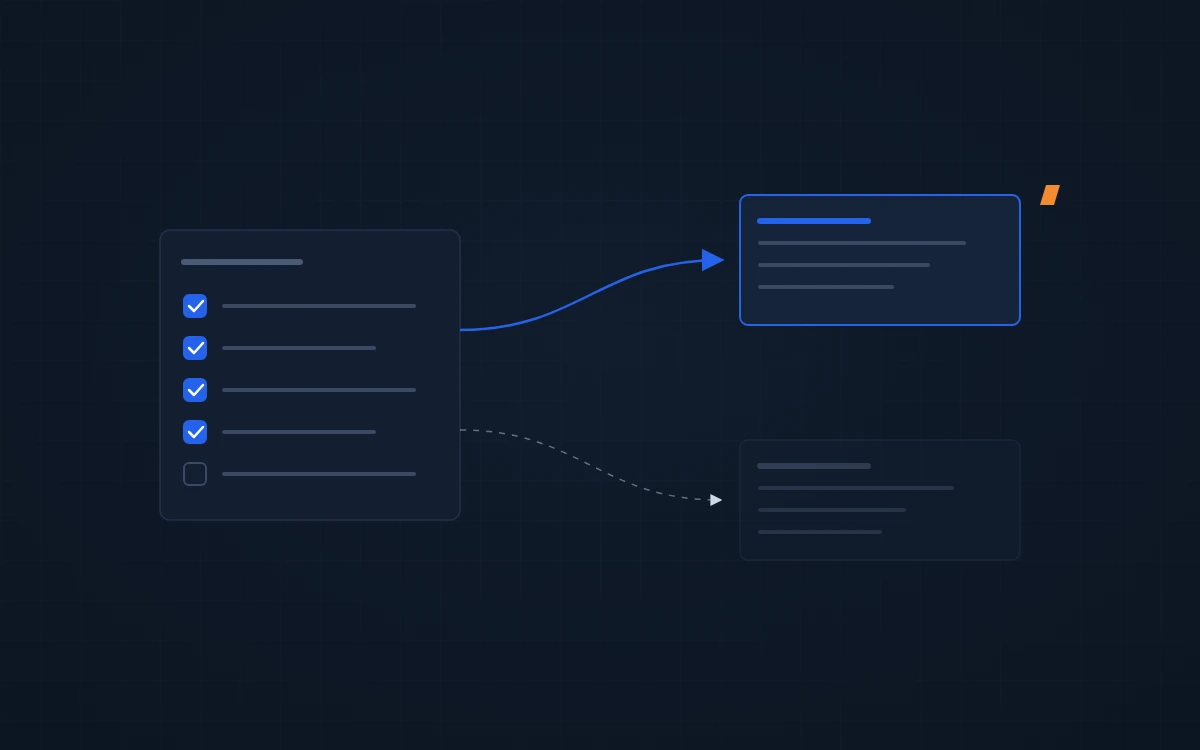
Fix HubSpot first, unless it can’t model how you sell. Most portals that feel broken have a process and data problem: duplicate records, a pipeline nobody follows, workflows nobody owns. A new CRM inherits all of it on day one, along with a migration bill and a team that has to learn a new tool.
Why a new CRM rarely fixes it
When reps work around the CRM, the cause is usually one of these:
- They type the same thing in two places, so they stop typing it in HubSpot.
- The pipeline has stages nobody uses, so nobody trusts the forecast.
- Duplicates mean nobody knows which record is real.
- The data they need, like ERP pricing or order history, isn’t there.
Every one of those moves to the next CRM with the data. Teams switch, the same habits come along, and two years later the new system feels broken too. Why your sales team doesn’t use HubSpot →
Five checks before you switch CRMs
- Duplicates. Search for your top 20 customers. If any appear twice, the problem is data.
- Stages. Count pipeline stages and how many deals moved through each last quarter. Stages nobody passes through are a design problem.
- Owners. Check how many new contacts have no owner, or an owner who left.
- Double entry. Ask reps what they type somewhere else first. That’s the integration gap.
- The one missing thing. Ask what HubSpot can’t do that you need. If the answer is specific and architectural, take it seriously.
The first four point to a fix. Only the fifth can point to a switch.
What fixing looks like
These are cleanups, not migrations.
EquipmentShare had duplicates across a 1,000+ person organization. Kristopher Dunn, Director of Sales: “Rather than spend countless hours fixing duplicates, we hired ProfitPad. In 4 weeks, duplicates were gone, best practices in place, and we were off to the races.”
Cypress Vending, an industrial vending company, came to us with a portal in a mess. Travis Grubb, Co-Founder: “ProfitPad saved us from a real mess, quickly fixed our issues, and guided a smooth new product launch.”
Treet needed its setup audited and fixed before a hard deadline. Jordan Kurland, Operations Manager: “ProfitPad efficiently audited and improved our HubSpot setup under a tight timeline, providing excellent communication and crucial structure for our expanding sales team.”
When switching is the right call
Sometimes the limit is real. These are the ones we have hit in live builds:
- Revenue history. HubSpot doesn’t snapshot past ARR or store marketing spend, so net revenue retention, ARR movement and CAC need a reporting layer outside it. No tier fixes that.
- Separate brands. A business that needs separate pipelines or databases per brand needs separate portals.
- Heavy processing. Custom code in HubSpot workflows stops at 20 seconds. Nightly jobs across 30,000+ deals have to run outside it.
None of these is a reason to switch on its own. Each has a workaround we have built, and the workaround usually costs less than a migration. Switch when the workarounds cost more than the move.
Waltz moved from Zoho to HubSpot with us and rebuilt its sales process on the way. Yalli Canaani, Marketing Director: “They helped us set up a sales process, move from Zoho, and tailor HubSpot to our needs. We’re now set up to run on our own.” The process work mattered as much as the move.
If you do switch, clean the data first. Moving duplicates costs the same as moving good records. HubSpot migration →
FAQ
Is HubSpot the problem or how we set it up?
Usually the setup. Duplicates, unused pipeline stages, missing owners and double entry all come from how a portal was built and kept up, and they follow your data into any CRM. A short audit separates setup problems from real platform limits before you commit to a migration.
How much does it cost to fix a HubSpot portal?
Every project we run is fixed fee, starting at $5,000, and most land between $5,000 and $20,000. The free audit fixes the quick wins at no cost and gives a fixed price for anything bigger, held for 30 days.
What should we do before switching CRMs?
Clean and deduplicate your data, write down your sales stages as reps actually work them, and list what the new CRM must do that the old one can’t. If that list is short or vague, fixing the current system is usually cheaper and faster.
Not sure whether it’s HubSpot or the setup? Request your free HubSpot audit →