
What to measure after HubSpot go-live, and the numbers that mislead

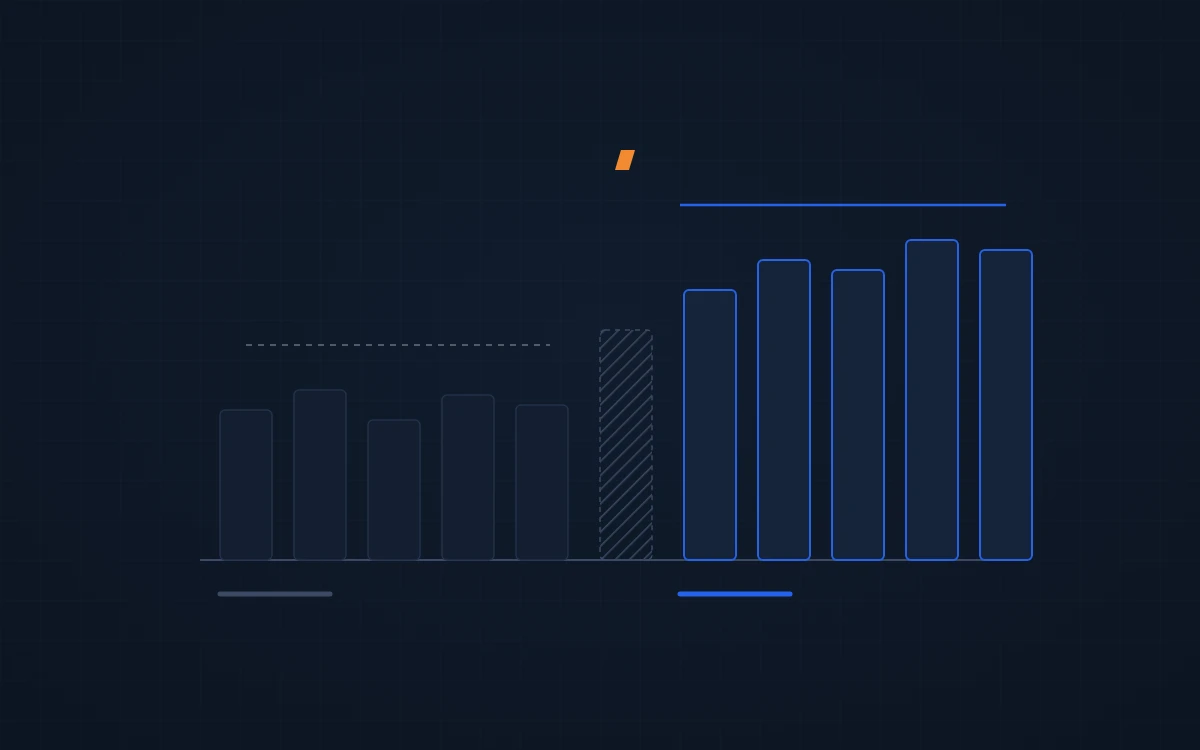
Measure a HubSpot implementation by comparing new records created before launch with new records created after it, on one metric the build was meant to move. Leave out imports and the build month. Most “results” that fall apart under a second look skipped one of those steps.
Pick the metric the build was for
A routing build should move time to first touch. A lead process should move lead-to-opportunity conversion. An ERP integration should move how much selling happens in HubSpot. Pick one before launch and write down how you’ll count it.
Revenue is rarely the right first metric. Too much else moves it, from a price change to one big customer landing. A build that fixes how leads are handled shows up in conversion months before it shows up in revenue, if it ever separates out at all.
How to measure HubSpot implementation success
- Cohorts by create date. Take records created in a window before launch and the same-length window after.
- New records only. Exclude anything imported. Imports arrive with old activity, or none, and skew both sides.
- Skip the build month. Records created while the system was half-built belong to neither cohort.
- Same definition both sides. If a stage, property or entry rule changed at launch, the before number may not mean what the after number means.
What it looks like on real portals
| Client | Metric | Before | After | Window |
|---|---|---|---|---|
| Plant Tours (industrial headsets) | Inbound contacts with a first touch within 1 hour | 41% | 84% | Nov 2025 to Mar 2026 vs May to Oct 2026 |
| MAI Agents (marketing SaaS) | Lead-to-opportunity conversion, non-imported leads | 8.6% | 14.6% | 180 days before vs after go-live, Nov 2025 |
| Paces (energy SaaS) | 90-day lead-to-opportunity conversion, non-imported contacts | 4.31% | 5.92% | 90-day cohorts either side of Nov 8, 2024 |
None of these is a revenue claim. Each says exactly what was counted, and what wasn’t.
Plant Tours case study → Paces case study →
For an ERP integration, measure use. At Fairbank Equipment, 9 outside reps created 49 bids from HubSpot in 90 days. Data quality moves too. In the same portal, 99.49% of open deals created since the project began have an associated company, against 39.53% of open deals created before it.
The numbers that mislead
- Stage history that starts mid-window. If a pipeline stage was added or renamed recently, the before cohort has a few records and the after cohort has hundreds. Any average across them is noise.
- New deal types. If the build starts creating add-on or renewal deals as their own records, won deals per month goes up with no change in selling.
- Changed entry rules. Tighten what counts as a deal and win rate rises on its own. Loosen it and win rate falls.
- Automated first touches. After a sequence goes live, first touch is often an email the system sent, not a rep. That still counts, but say so.
- A field that stores only the latest value. Owner assigned date, for example, gets overwritten. It can’t tell you how long the first assignment took.
We have pulled numbers we were happy with because one of these turned up on the second pass. Better to find it before the number goes on a slide.
Set the baseline before you build
The easiest time to measure is before anything changes. Export the metric for the last 90 or 180 days, write down the definition, and save it. After launch, run the same query on the same terms.
If your portal is already live and nobody took a baseline, the audit can still pull one from create dates and property history. Request your free HubSpot audit →
FAQ
How long after go-live should we measure?
Give it at least one full sales cycle, or 90 days for inbound lead metrics, whichever is longer. Measure first touch and owner coverage within the first month, because they move fast. Conversion needs more time, because leads take time to become opportunities.
Should we include imported contacts?
No. Imported records carry old activity or none at all, so they distort conversion and response times on both sides of the comparison. Filter on contacts created by forms, integrations or reps, and state that you excluded imports when you report the number.
Can HubSpot report on before and after on its own?
Partly. Custom reports can filter by create date and source, which covers most of it. HubSpot doesn’t snapshot past values of every property, though, so some metrics need property history or an export taken at the time.
Want a baseline before your next build? Book a free 30-minute review →