
How to route HubSpot leads by territory

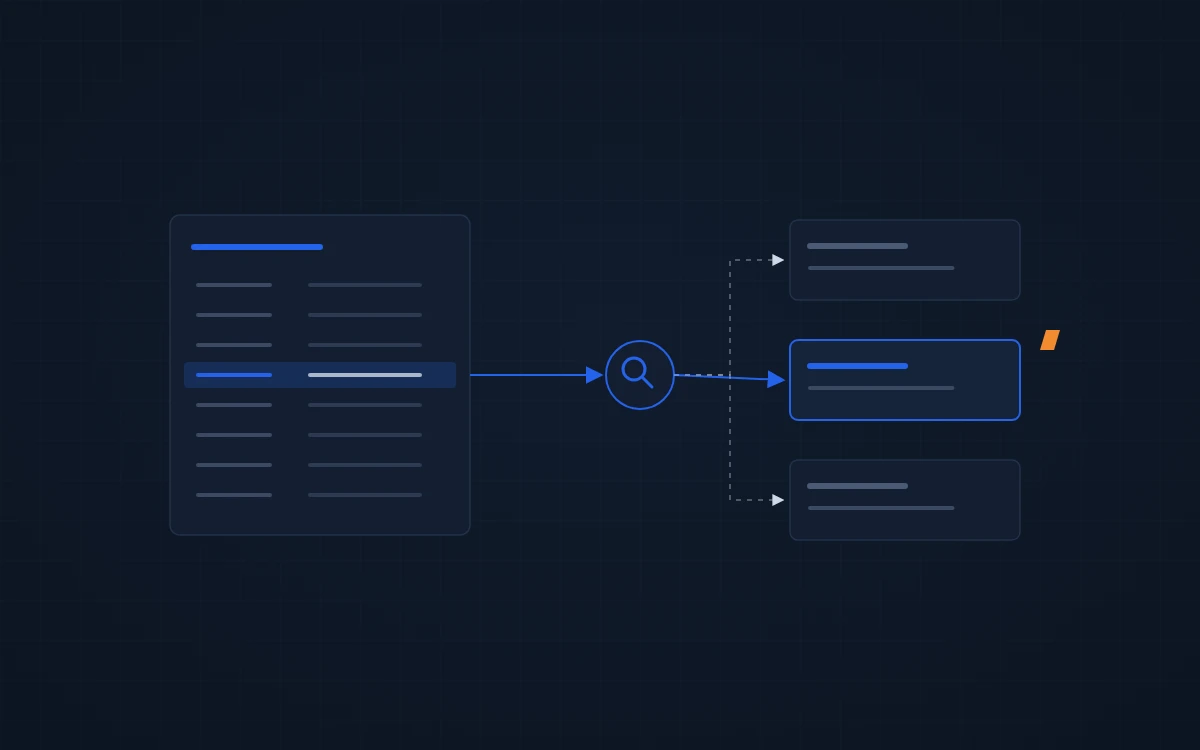
Route HubSpot leads from a territory map your team keeps up to date, then let one workflow read it. Rules buried inside a dozen workflow branches break the first time a rep leaves or a territory changes, and nobody notices until a lead sits for a week.
Why HubSpot lead routing breaks
Most portals we audit route leads in one of two ways. A manager assigns them by hand each morning, or someone built a workflow with a branch per state, per product and per rep.
The manual version fails on volume and on days off. The workflow version fails on change. A rep quits, a territory splits, a new product line gets its own team, and the branches go stale. Leads keep landing on an owner who no longer works there.
Neither shows up in a report. The contact has an owner, so the dashboard looks fine.
Keep the territory map outside the workflow
The fix is to separate the map from the machinery. The map says which zip codes, regions or account types belong to which rep. The workflow only looks the owner up.
For California Mobility, a mobility equipment company, the owner keeps a territory sheet that maps zip codes to reps. When a new contact comes in, the automation reads the zip, finds the rep on the sheet and sets the owner. When a territory changes, they edit one row. Nobody touches the workflow.
In random samples of 100 new contacts, 12 months before and after, contacts with an owner within a minute rose from 26% to 56%. Assignment speed didn’t change much. Coverage did: more leads got an owner at all.
Route by what the lead needs, not just where it is
Geography is one input. For some teams, the product or the buyer type matters more.
Plant Tours sells wireless headset systems to industrial teams. Before the build they had 20,000+ contacts, manual lead distribution and no scoring. We built a score that separates consumer prospects from industrial ones, round-robin routing, and assignment by form and headset need.
For inbound contacts, the share that got a first touch within an hour went from 41% to 84%. The median time to first touch fell from 43.6 minutes to 1.9 minutes. Most of those first touches are now an automated sequence email, not a rep call, so the claim is about first touch, not callbacks. Plant Tours case study →
When the ERP already knows who owns the account
Distributors often have the answer sitting in the ERP. Every order carries a writer code that says which rep handles that customer.
For Cooney Brothers, an industrial distributor, we created automation for ERP-based deal ownership: the writer code on the ERP record maps to a HubSpot owner, so deals land with the rep who already sells to that account. Nobody maintains a second territory list that drifts out of sync with the one finance uses. HubSpot ERP integration →
What to check in your own portal
- Pull every contact created in the last 30 days and count how many have no owner.
- Of the ones that do, check how many owners are inactive users.
- Find where your territory rules live. If the answer is “in the workflow”, count the branches.
- Ask your reps which leads they think are theirs. Compare that to HubSpot.
If the numbers surprise you, that’s the audit finding. Request your free HubSpot audit →
No HubSpot portal yet? Routing comes built in. HubSpot sales process setup →
FAQ
Can HubSpot assign leads by zip code natively?
Yes, with a workflow branch per zip range, but it gets hard to maintain past a handful of territories. We keep the zip-to-rep map in a sheet or table the owner edits, and one automation reads it. Changing a territory then means editing a row, not rebuilding a workflow.
Should we use round-robin or territories?
Use territories when reps own relationships in a region or account list. Use round-robin when any rep can work any inbound lead and speed matters most. Plenty of teams need both: territory for known accounts, round-robin for new inbound leads that don’t match a territory yet.
How do we know routing is working?
Measure two things on new contacts only: the share with an owner within a few minutes, and time to first touch. Exclude imports, because they distort both. Check monthly. A drop usually means a rep left or a territory changed and the rules didn’t follow.
Want your routing checked against how your team actually sells? Book a free 30-minute review →