

Epicor Eclipse to HubSpot Integration: How Fairbank Equipment Got Its Sales Team Out of the ERP

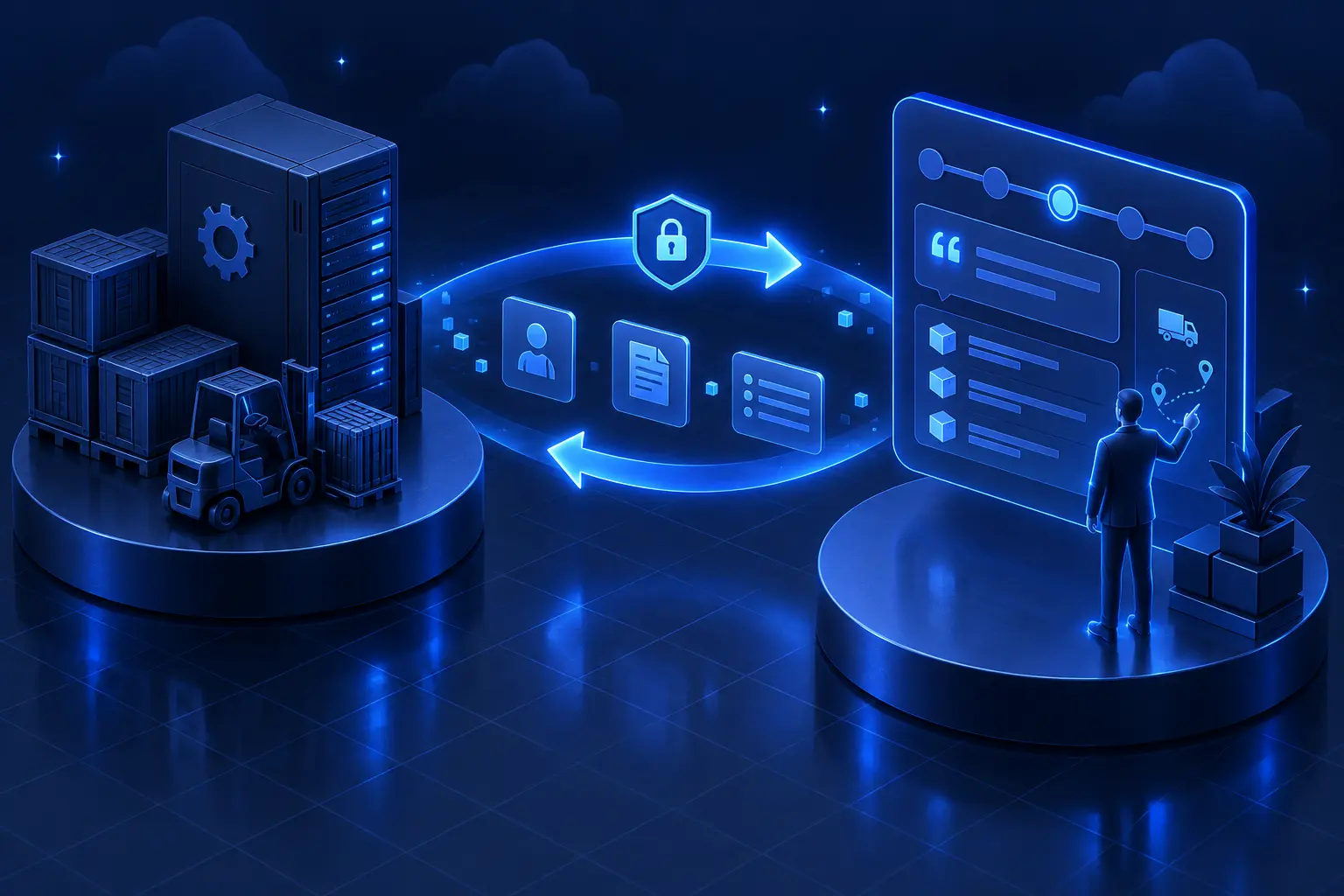
Eclipse was never built for sales reps. It is an ERP. Every minute a rep spends in it is a minute not spent selling.
Fairbank Equipment wanted their outside sales team working in HubSpot, with Epicor Eclipse staying the system of record underneath. One partner had already tried to connect the two. A year later, it still did not work. We built a live version in about six weeks.
Here is what an Eclipse to HubSpot integration actually takes, and what it looked like at Fairbank.
The problem: two systems, double entry, no trust
Fairbank is an industrial equipment distributor, PE-backed, 51 to 200 people. Their ERP is Epicor Eclipse. Their outside reps are experienced sellers. Most are not CRM people. Some had never really used one.
Everything the sales team needed lived in Eclipse: customers, orders, line items, pricing. HubSpot could not see any of it. So reps worked in two systems at once. They checked stock in Eclipse, built the order there, then re-entered pieces of it elsewhere. Every handoff was a chance for the two systems to drift apart. When the numbers do not match, people stop trusting the CRM. Once they stop trusting it, they stop using it.
The prior partner had spent roughly a year on the integration and never got it stable. The reason was not that the ERP is impossible. The work kept changing hands. Each new team relearned Eclipse from scratch, remapped the same fields, and shipped nothing. A year of motion, no working system.
Why a native connector cannot read Eclipse
This is the part most teams get wrong before they start. Epicor Eclipse does not expose its data the way modern SaaS tools do. There is no clean off-the-shelf HubSpot connector that reads it. You reach the data through the Eclipse API, on the ERP's terms, and you handle the parts the API does not give you for free.
The biggest of those: Eclipse does not tell you when something was deleted. It announces creates and updates. It does not announce deletions. Build a naive sync that only listens for events, and deleted orders and line items quietly live on in HubSpot forever while the two systems drift. That single gap is what separates an integration that holds from one that slowly rots.
What we built
An Eclipse-authoritative integration that runs in both directions. Contacts, customers, sales orders, and line items all sync between Eclipse and HubSpot, kept current on a short cycle. Eclipse stays the source of truth for the ERP. HubSpot is where the sales team works.
Two-way sync is the easy thing to promise and the easy thing to get wrong. The moment you let every field flow both ways, you get conflicts, overwrites, and a system nobody trusts. So we set the rules field by field before writing a line of automation. Each field is either locked to Eclipse, one-way, or two-way. The two systems never fight over who is right, because for every field, that was decided up front.
On top of the sync, the reps got their actual daily workflow inside HubSpot:
- Create, advance, and cancel orders, and have it happen in Eclipse, without opening the ERP
- Adjust a line item's quantity or its customer-facing price and push it back
- Send branded quotes straight from the deal
- See shipment tracking on the deal record instead of hunting for it in the ERP
The point of all of it is the same: the rep stays in one system, and the ERP stays clean underneath.
Deletions and the weekly audit
Because Eclipse does not announce deletions, we do not rely on it to. Orders and line items that disappear in Eclipse are archived in HubSpot first, then removed, so nothing vanishes without a trace. On top of that, a scheduled audit runs a full comparison of both systems, record by record, and flags anything that does not line up.
That audit is the quiet part that makes the loud part work. It is the reason a rep can open a deal six months from now and trust what they see.
The part that actually matters: guardrails
Anyone can move data between two systems on a good day. The hard part is making it survive a sales floor.
These reps were not going to babysit a CRM, and they should not have to. So we made it impossible to break the ERP from inside HubSpot. A rep sees everything and can change only what they are allowed to change. The pipeline stages map to real Eclipse actions, so moving a deal forward does the right thing in the ERP, and moving it somewhere it should not go simply does nothing.
That is the line between an integration people adopt and one they abandon in a month.
Training a team that had never used a CRM
We assumed nothing. Training ran across several sessions, on desktop and on mobile, for the outside sales reps, the branch and regional managers, and the ops people who keep the data clean.
We taught the basics as basics. How to create a customer. How to create an order. How to send a quote. How the pipeline works and what each stage does in Eclipse. Which fields are safe to touch and which are not. Not a feature tour. Just the handful of things each role needs, and nothing else.
For a team new to CRM, that restraint is the whole game. Show them twelve things and they use none. Show them the four that matter and they use all four.
One thing the managers asked for
Managers kept hitting the same wall. A customer asks about a product, and answering "what does this customer pay for it" meant digging through the ERP or tracking down someone who knew.
So we built a lookup, behind a HubSpot login and limited to managers, that returns that customer's specific pricing on the spot. One screen, one answer, no ERP login. A small tool that removes a daily interruption, which is exactly the kind of thing that makes a system feel invisible.
The outcome
A live, working Eclipse to HubSpot integration in production, six weeks from kickoff to soft launch. The thing a prior partner could not finish in a year.
The sales team works in HubSpot. Eclipse stays the system of record. Orders move between the two without re-entry, and a weekly audit keeps them honest. This is the second Epicor Eclipse to HubSpot integration we have put into production.
From Lon Jennings, CEO of Fairbank Equipment:
“The ProfitPad team led by Chris has executed the implementation, training and integration on-time and budget. It has been one of the rare IT implementations that there were no surprises and the product was as specified.”
Running Eclipse and tired of your reps living in two systems? Book a call and we will scope the integration with you before any work begins.
Frequently asked questions
Does an Eclipse to HubSpot integration sync both ways?
Yes. At Fairbank, contacts, customers, sales orders, and line items all sync in both directions between Eclipse and HubSpot. Eclipse stays the ERP system of record, and field-level rules decide which system wins on any given field, so the two never fight.
Why can't I use a native HubSpot connector for Epicor Eclipse?
Because a clean one does not exist for Eclipse, and because Eclipse does not announce deletions through its API. A reliable integration has to handle that gap directly, or the two systems drift apart over time.
Does Eclipse stay our system of record?
Yes. HubSpot is where the sales team works. Eclipse remains authoritative for the ERP data. That separation is the point.
How long does an Eclipse to HubSpot integration take?
At Fairbank, about six weeks from kickoff to soft launch, then a validation window and training before the team relied on it. Compare that to the year they had already lost.