
Epicor Prophet 21 and HubSpot: What distributors need to know before integrating

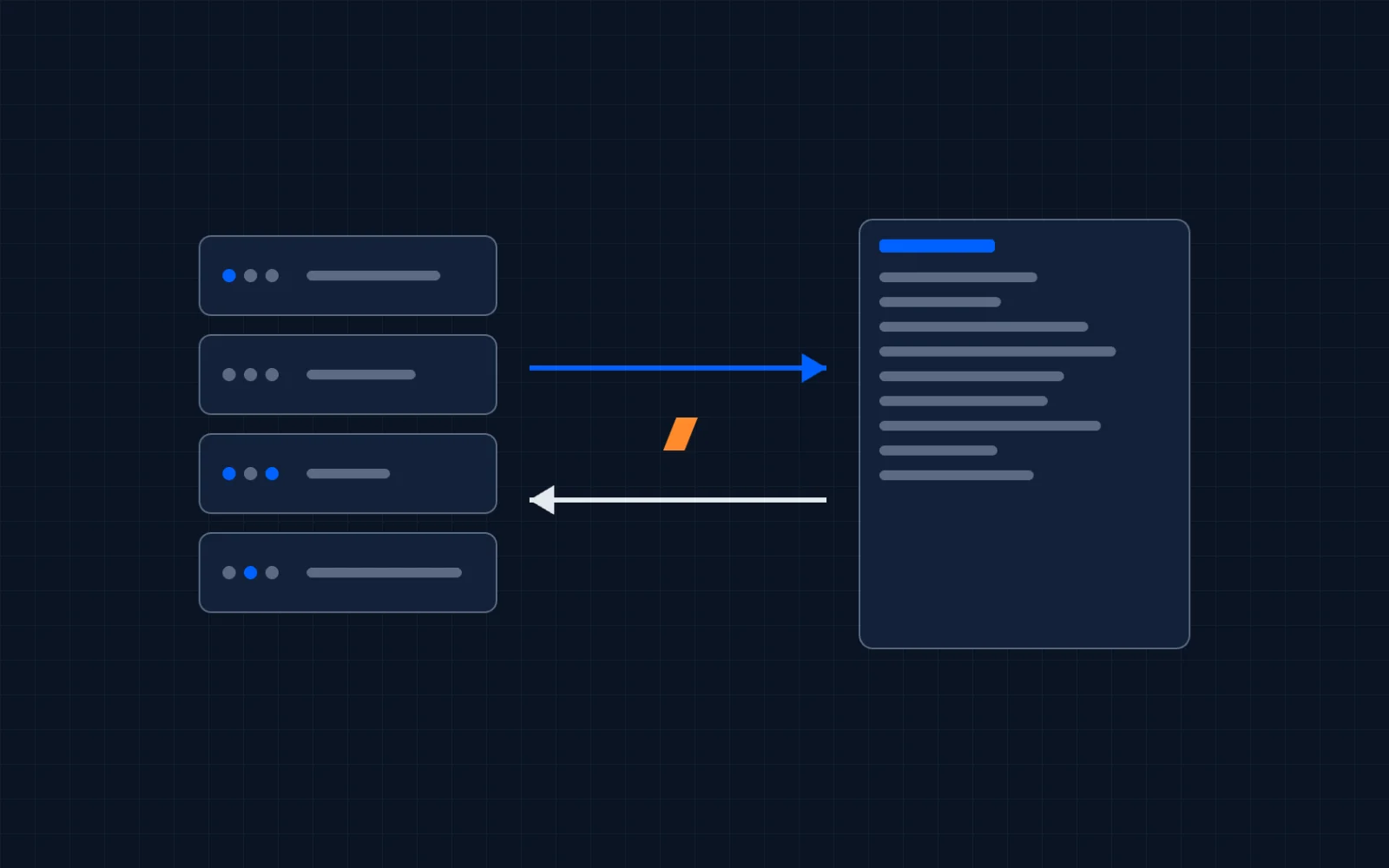
If you run a wholesale distribution business, there's a good chance Prophet 21 runs it with you. And if you're reading this, there's a good chance your sales and marketing teams live somewhere else. Probably HubSpot, or about to be.
This guide covers what P21 is, what its API actually supports, what an integration really involves, and the questions to answer before you sign anything, with anyone, including us.
What is Epicor Prophet 21?
Epicor Prophet 21 (usually shortened to P21) is an ERP built specifically for wholesale distributors. It handles the operational core of a distribution business: inventory, purchasing, order management, warehouse operations, pricing, and financials. It's part of Epicor's ERP portfolio, alongside Eclipse, Epicor's other major distribution ERP.
P21 runs on a Microsoft stack (.NET, SQL Server) and is offered both in the cloud and on-premise. That deployment detail matters more than it sounds: it changes how an integration reaches your data, and we'll come back to it.
If your business is distribution (HVAC, plumbing, electrical, industrial supplies, jan-san, fasteners, safety equipment), P21 is one of the handful of ERPs actually built for how you operate. That's why distributors keep it for decades.
P21 has a CRM module. So why do distributors add HubSpot?
Honest answer first: Prophet 21 includes CRM functionality. Contact records, activity notes, order history: it's in there.
But an ERP's CRM module and a sales team's CRM are different tools solving different problems. The pattern we see in distribution sales teams:
- Outside reps won't live in an ERP. P21 is built for operations: counter sales, purchasing, warehouse. A rep on the road needs pipeline views, mobile access, sequences, and a UI they'll actually open.
- Marketing doesn't exist in P21. Email campaigns, lead capture, attribution, nurture flows: that's CRM-platform territory.
- Leadership reporting lives in dashboards, not ERP queries. Pipeline coverage, rep activity, win rates by product line: HubSpot makes these visible without a report request to IT.
So distributors end up with both: P21 running the operation, HubSpot running the revenue team. Which creates the real problem: the two systems don't talk on their own. Your reps see contacts without order history. Your ERP has customers your CRM has never heard of. Every quote starts with a lookup in a second system.
That's the integration case. Not replacing P21, connecting it.
What “open API” actually means for P21
Prophet 21 has genuinely good API surfaces by ERP standards. This is one of the reasons a P21-to-HubSpot integration is a well-bounded project rather than a science experiment:
- The v2 P21 API: a stateless REST API with a metadata model. This is the workhorse for reading and writing business data from outside.
- The Entity API: structured, fit-for-purpose business-object endpoints (customers, orders, and so on).
- The Interactive API: lets external systems drive P21 transactions the way a user session would.
Two practical caveats that a sales pitch won't tell you:
- API access depends on your P21 agreement and version. Before scoping any integration, confirm what API access your license includes and which version you're running. It's a five-minute question to your Epicor rep that can save weeks.
- Hosting changes the plumbing. Cloud-hosted P21 exposes APIs over the internet. On-premise P21 usually sits behind your firewall or VPN, which rules out most cloud-only integration tools unless something runs inside your network. This is a solved problem (more below), but only if whoever you hire has actually solved it.
How P21 connects to HubSpot
For P21 specifically, the decision comes down to fit: packaged Marketplace connectors work when your object list is standard and your P21 is cloud-hosted; a custom build on open tooling earns its keep when you need custom objects, your own field logic, deletion handling, or an on-premise server behind a VPN.
The full breakdown of the three approaches, plus the five due-diligence questions to answer before you integrate, lives in our ERP-CRM integration guide for distributors.
Where we're honest about our own experience
ProfitPad hasn't shipped a Prophet 21 integration yet. We've built two Epicor Eclipse-to-HubSpot integrations, both live in production and one of them a two-way sync. The sync architecture, the deletion tracking, and the on-prem/VPN hosting pattern all transfer to P21's open API; the ERP changes, the approach doesn't.
We wrote this guide the way we'd want it written if we were the buyer: the trade-offs are real, the connectors and platforms have legitimate use cases, and the right choice depends on your setup, not on whoever's writing the blog post.
If you want the specifics of how we'd approach a P21 build (scope, timeline, fixed-fee pricing, and the founding-client arrangement for our first P21 project), it's all on our Prophet 21 to HubSpot integration page.
FAQ
What is Epicor Prophet 21 used for?
Prophet 21 is an ERP for wholesale distributors. It manages inventory, purchasing, order entry, warehouse operations, pricing, and financials: the operational core of a distribution business. It's part of Epicor's portfolio alongside Eclipse, Epicor's other distribution ERP.
Does Prophet 21 have a built-in CRM?
Yes. P21 includes CRM functionality for contacts, activities, and order history. Most distributors that add HubSpot do it for what an ERP module doesn't cover: outside-rep pipeline management, marketing automation, lead capture, and leadership dashboards.
Does Prophet 21 integrate with HubSpot?
Yes, three ways: packaged Marketplace connectors (fixed sync template, yearly subscription), iPaaS middleware platforms, or a custom build on P21's REST APIs. The right option depends on your object list, sync direction, and whether your P21 is cloud or on-premise.
Is Prophet 21 cloud-based or on-premise?
Both. Epicor offers P21 in the cloud and on-premise. Many established distributors still run on-premise, which means integration tooling has to reach a server behind your firewall or VPN. Self-hosted integration platforms solve this by running inside your network.
What does a Prophet 21 to HubSpot integration cost?
Packaged connectors run roughly $4-15k per year depending on tier, plus setup fees, indefinitely. iPaaS platforms charge annual platform fees, often $15k or more, before implementation. A custom build is a one-time project cost. ProfitPad prices these fixed-fee after a scoping call, and our first P21 client gets a reduced founding-client rate in exchange for a case study.