

Why You Must Standardize Your HubSpot Data Before You Deduplicate

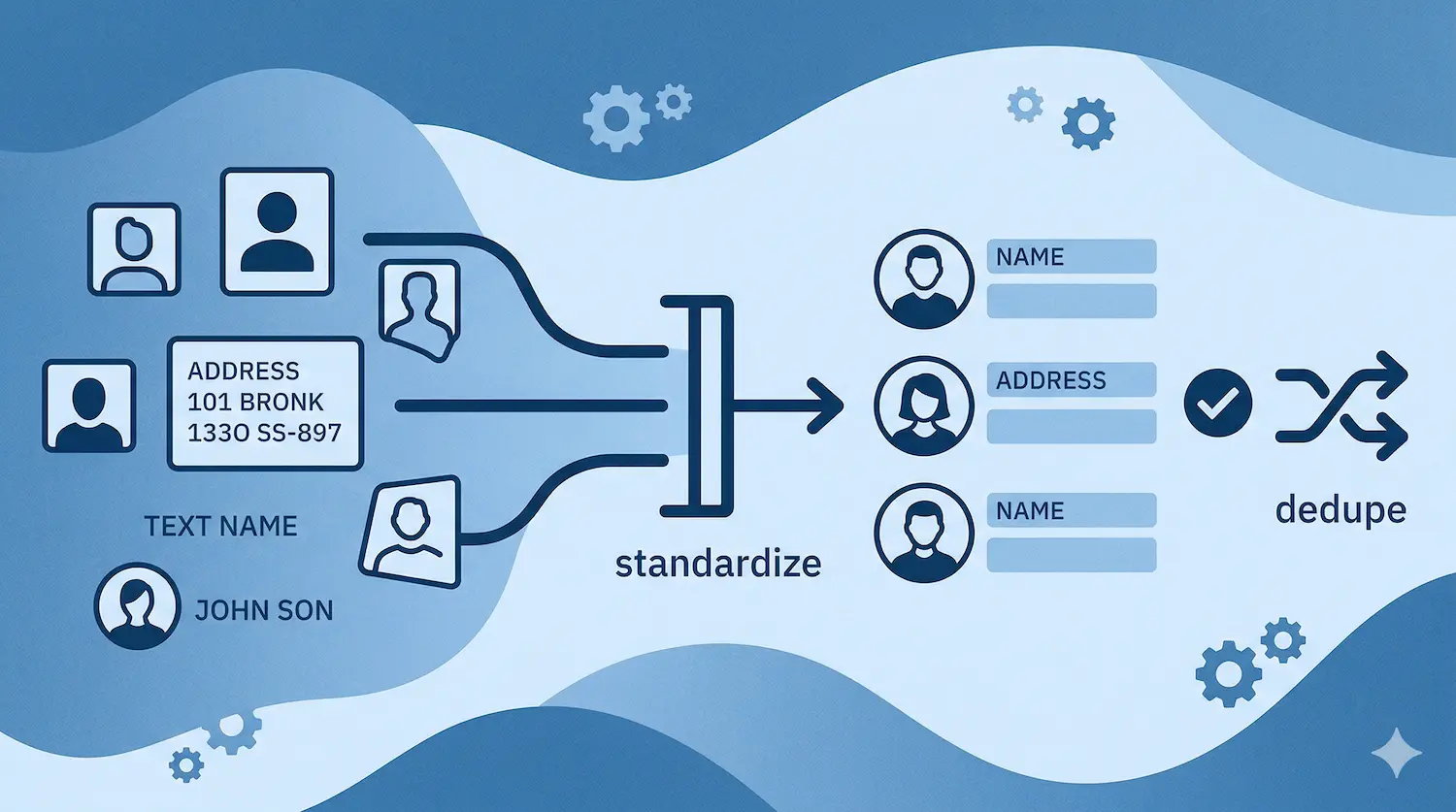
Across our data cleanup projects, we've reduced databases by as much as 67%. One portal went from 39,000 contacts to 13,000 trusted records.
The cleanup didn't start with deduplication. It started with standardization. That order is the difference between a clean database and a new mess built on top of the old one.
Most teams get this wrong. They see duplicates, they run a dedup tool, and they wonder why the data still looks broken six months later. The answer is simple: you merged the wrong records because the underlying data was inconsistent. "Acme Corp," "ACME," and "Acme Corporation" are three different companies to a dedup tool. They're the same company to everyone else.
Standardize first. Deduplicate second. Never reverse that order.
What Standardization Actually Means
Standardization isn't a philosophy. It's a specific set of changes to specific fields.
Here's what we fix on every portal before touching a single duplicate:
- Names: Split first and last. Apply proper case. "JOHN SMITH" and "john smith" both become "John Smith."
- Emails: Lowercase everything. Flag anything missing an "@."
- Phones: Strip everything except digits. Format to dialable E.164 standard: +16132220322. No exceptions.
- Websites: Remove everything after the "?". Strip "http://", "https://", "www.", everything after the first "/".
- Dropdown fields: Replace free text with controlled values. Industry, country, lead source, contact source. If a rep can type anything, they'll type everything. "SaaS," "saas," "Software," "software as a service" are four values that should be one.
The rule on dropdowns: enforce at creation time, not cleanup time. Build the dropdown before you import. If you let free text in, you'll spend the next year cleaning it out.
Why Deduplicating Dirty Data Makes It Worse
A dedup tool matches records by comparing field values.
If your data isn't standardized, it can't match correctly. "Acme Corp" and "ACME CORPORATION" don't match on a fuzzy string comparison. So your tool creates two company records, associates contacts to the wrong one, and now you have a cleaner-looking database with worse underlying associations.
That's not cleanup. That's a new problem wearing a clean shirt.
EquipmentShare had this exact situation. A Series E construction SaaS company with thousands of duplicate records accumulated over years of inconsistent imports and manual entry. We standardized first: names, emails, phones, domains, dropdown fields. Then we ran the HubSpot data cleanup. In four weeks, the duplicates were gone and best practices were in place. Their sales team trusted the data again because the records they were merging were actually the same record, not just similar-looking ones.
The Exact Cleanup Order We Run on Every Portal
This is the sequence. Don't skip steps. Don't reorder them.
- Standardize names: proper case, split first/last
- Standardize emails: lowercase, flag missing "@"
- Standardize phones: E.164 format
- Standardize websites and domains: strip prefixes and parameters
- Standardize dropdown fields: industry, country, source, region
- Map contacts to companies by email domain: exclude free email domains (gmail, hotmail, yahoo, and around 2,000 others)
- Map parent-child company relationships per the client's logic
- Run deduplication: now that records are standardized, the tool can actually match correctly
- Enrich via HubSpot Breeze: after cleanup, not before. Enriching dirty data compounds the mess.
Step 9 is one most teams get backwards. Breeze enrichment on top of unstandardized data fills in inconsistent values on top of inconsistent values. Run it last.
What to Do This Week
Pull your Contact Source field. Count how many unique values exist.
If you have more than ten, you have a free text problem. That field alone will break your attribution reporting until you fix it.
Create a dropdown with controlled values. Ours: Direct Traffic, Event, LinkedIn, Paid Ad, Referral, Scraping, Webinar, Zoominfo. Pick yours, lock it down, backfill the existing records.
That's one field. One afternoon. Do that first, then work through the rest of the sequence above before you touch a single duplicate.
Book a free consultation. We'll show you exactly where your data breaks down.
FAQ
What is the difference between standardizing and deduplicating HubSpot data?
Standardizing means making sure the same value is always written the same way: consistent phone formats, controlled dropdown values, proper casing on names. Deduplicating means finding and merging records that represent the same contact or company. Standardization has to come first. If you dedup before standardizing, your tool will miss matches and merge the wrong records.
How long does a HubSpot data cleanup take?
Most cleanups run alongside a broader HubSpot project and take 4-6 weeks end to end. A standalone cleanup on a smaller database can move faster, but rushing the standardization step always creates problems in the dedup step. The work is sequential, not parallel. You can't compress the order, only the pace.
Do you need a tool to clean HubSpot data, or can you do it manually?
Both. Standardization can be done manually for small databases using imports and bulk edits in HubSpot. For deduplication at scale, tools like MillionVerifier for email validation and HubSpot's native duplicate management tool help. For address normalization, Google Maps API is the most reliable option. The tool is only as good as the standardization underneath it.